IT Insights
Turn endpoint data into decisions.
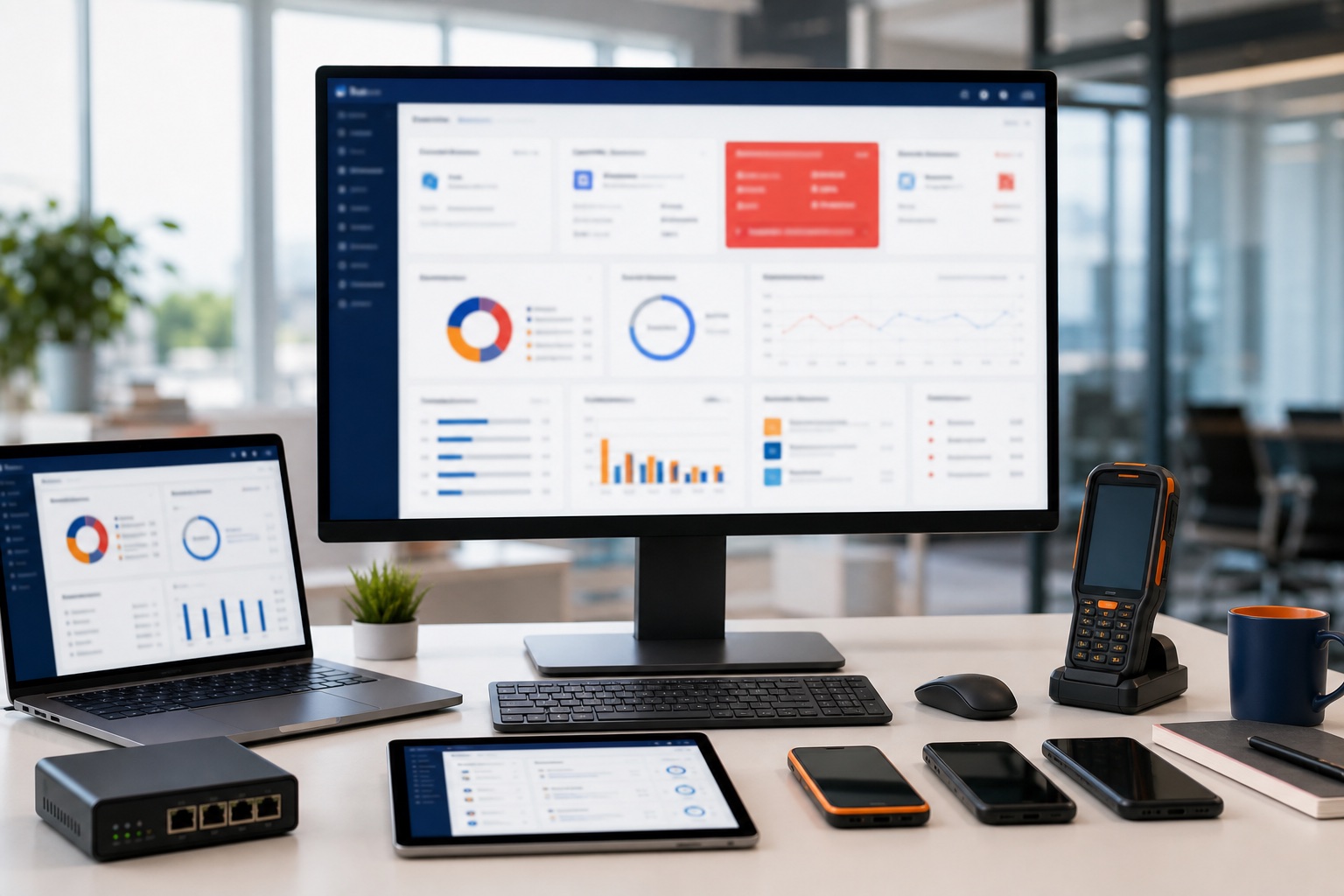
FileWave gives IT teams real-time inventory, dashboards, automated reports, alerts, license visibility, and remote support context across mixed fleets.
Visibility
Know what is deployed, what changed, and what needs attention.
Inventory management
Track hardware, operating systems, installed apps, updates, device health, and compliance status.
Custom queries
Ask practical questions of your fleet and turn the answers into saved views, reports, and follow-up work.
Automated reporting
Email saved inventory or license reports daily, weekly, or monthly. Reports run with the permissions of the report owner, so check that the intended devices are included before sharing results. Follow the scheduled reporting guide to configure delivery and check a test report.
Operations
Insights only matter when they help IT act.
Privacy-aware features
Use sensitive data carefully.
Geolocation is disabled by default for privacy compliance and should only be enabled in line with local regulations and after notifying end users. Endpoint insight should support responsible operations, not surprise surveillance.
Common questions
Common questions for evaluators and admins.
What endpoint data can FileWave help surface?
FileWave can help teams work with device inventory, software state, patch visibility, deployment status, and operational reporting needed for endpoint decisions.
How do IT insights help administrators?
Insights help administrators prioritize remediation, validate deployments, answer audit questions, and communicate progress to stakeholders.
Can FileWave reporting support other IT processes?
Yes. FileWave reporting and API access can support asset reviews, compliance evidence, lifecycle planning, service conversations, and operational handoffs.