Higher Education
Endpoint management for labs, faculty, staff, and distributed campus IT.
FileWave helps colleges and universities manage academic labs, faculty and staff devices, loaners, shared spaces, and departmental IT groups from a practical endpoint management platform. Campus IT gets flexibility without losing visibility.
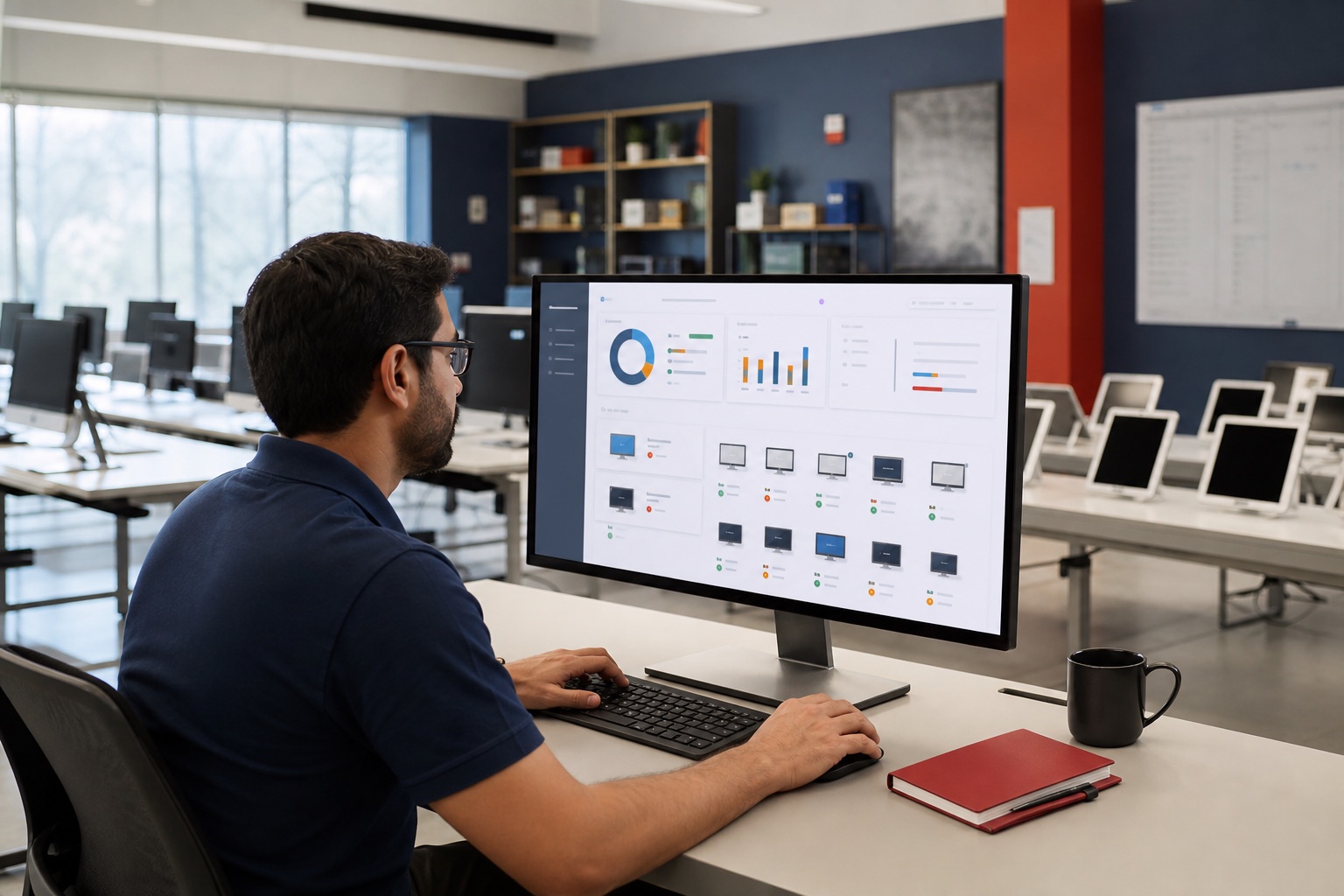
Endpoint workflows
Practical endpoint workflows for higher education teams.
Academic labs
Keep lab machines consistent across semesters, courses, and specialized software needs.
Faculty and staff devices
Support Mac, Windows, Linux, mobile, and shared devices with inventory, deployment, and patch visibility.
Distributed IT groups
Let departments keep useful workflows while central IT keeps reporting and standards visible.
Campus endpoint planning
Plan labs, departments, and refresh cycles with clearer endpoint visibility.
Confirm lab software before term starts
Before expanding a lab deployment, check a small group of macOS and Windows computers. Compare Fileset Status with the apps installed on those computers, and check inventory timestamps so an old report does not stand in for current readiness.
Delegate departmental work
Give departmental technicians access to the devices and Filesets they manage through separate administrator accounts and object permissions. Inventory results follow those permissions, so central IT needs access to the relevant devices for campus-wide reporting. See administrator permissions for setup details.
Renewal and audit prep
Use inventory and reporting to support software renewals, device refresh planning, policy checks, and support conversations.
Track assets and support users
- Use inventory and custom fields to understand ownership, location, installed software, and device health.
- Support users remotely through TeamViewer Remote Control when troubleshooting cannot wait for a desk visit.
Good-fit environments
- Universities with specialized labs and mixed OS needs.
- IT teams balancing central standards with departmental flexibility.
- Campuses that need reporting across many buildings, groups, and device owners.
Semester rollout
Prepare the team as well as the lab.
Agree who prepares course software, who tests it on approved lab devices, and who maintains deployments after term starts. Keep those responsibilities clear when central IT and departments share the work.
Use FileWave Foundry for self-paced administrator learning and the FileWave Certified Administrator path. For implementation help, a scheduled course, or a tailored workshop, explore FileWave Professional Services. Scope the work around your platforms, hosting model, semester deadline, and available staff.
Explore more
Explore the FileWave capabilities behind this workflow.
FileWave brings enrollment, software and content deployment, patching, inventory, reporting, TeamViewer Remote Control, Self-Service Kiosk/App Portal, REST API, IdP SSO, and hosted or self-managed deployment options into the same practical endpoint management story.
Talk to FileWave
Talk about campus needs.
Share the device mix, deployment model, and operational goals. FileWave can help map the right evaluation path.
Common questions
Common questions for evaluators and admins.
How does FileWave support higher education?
FileWave supports campus IT teams managing labs, faculty and staff devices, shared endpoints, software delivery, patching, reporting, and distributed support needs.
Can FileWave help with lab and shared devices?
Yes. FileWave workflows can support software deployment, inventory, policy, patching, and lifecycle visibility for lab, classroom, and shared campus devices.
Why is mixed-platform support important on campus?
Universities often run macOS, Windows, Linux, mobile, and specialty devices together, so one operational model reduces handoffs and tool sprawl.