K-12 Education
Keep classrooms, labs, carts, and shared devices ready for learning.
FileWave helps school IT teams prepare and support student, teacher, lab, cart, and shared devices across Apple, Windows, Linux, ChromeOS, mobile, and Apple Vision Pro environments. The result is less desk-side work, clearer inventory, and fewer surprises when classes start.
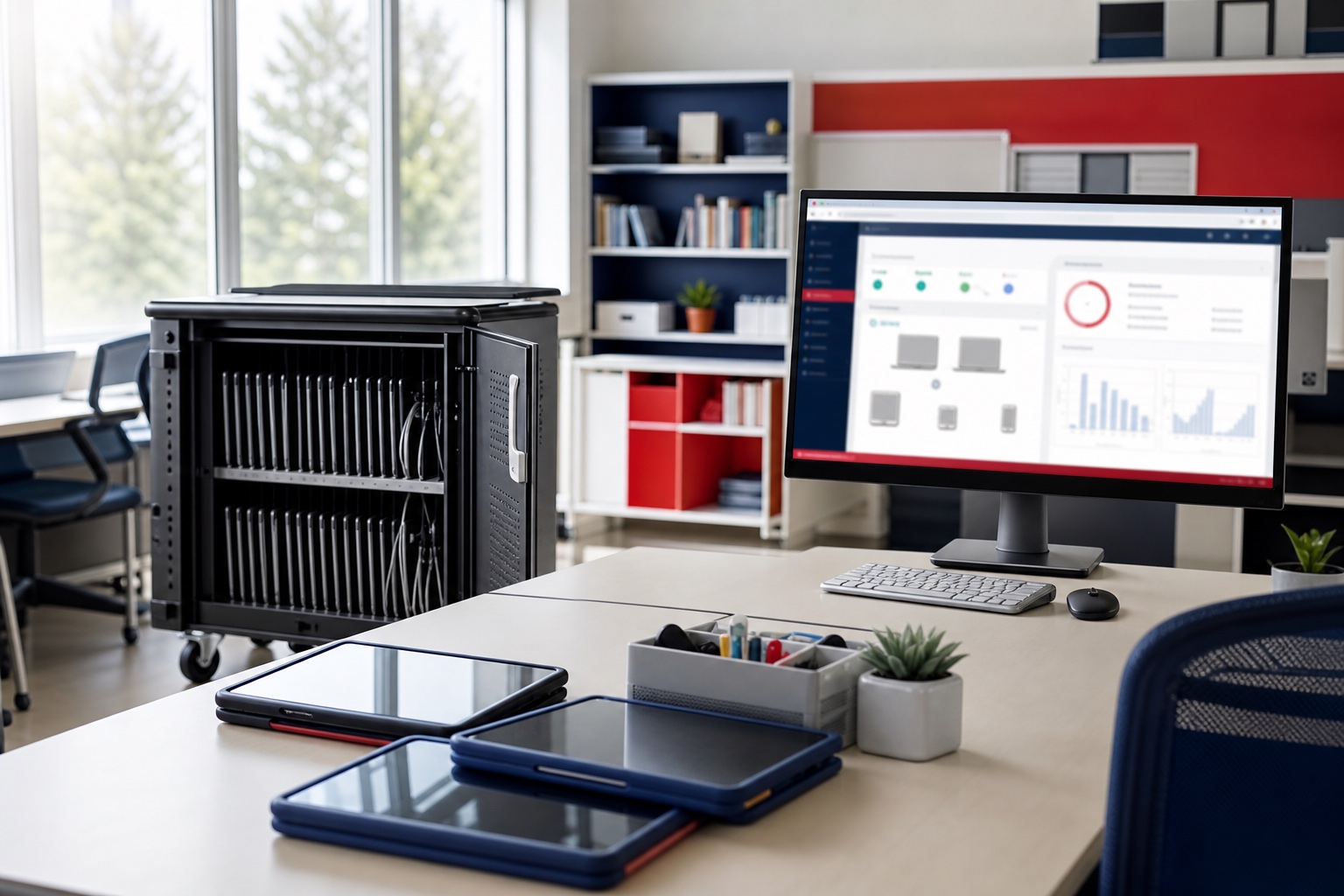
Endpoint workflows
Practical endpoint workflows for K-12 education teams.
Back-to-school readiness
Stage devices, apps, settings, content, and updates before the first day of school instead of rebuilding separate workflows for every platform.
Apple Classroom for teaching
Help teachers open lesson apps and websites on supported iPad and Mac devices. FileWave deploys Apple Classroom to teacher devices and delivers education profiles to enrolled teacher and student devices for MDM-created classes. Review the Apple Classroom setup requirements; installing the app alone does not configure a class.
Labs and shared spaces
Refresh labs, libraries, media rooms, and classroom shared devices with repeatable deployments and reports that show what changed.
K-12 endpoint planning
Plan classroom, lab, cart, and shared-device work with clearer visibility.
Check classroom apps before rollout
Before a wider rollout, test required apps and content on a small approved group of school devices. Have teaching staff check that apps open and lesson materials are usable, alongside IT’s review of deployment status. Follow the deployment verification guide for platform-specific checks rather than treating a status alone as classroom readiness.
Shared iPad app readiness
On Shared iPad, apps install only when no user is signed in. Prepare required apps before classes start, and plan sign-outs and installation windows with the FileWave Shared iPad workflow.
Self-service without admin rights
Publish approved resources through Self-Service Kiosk/App Portal so teachers and staff can get what they need without local administrator access.
Software delivery and patching
- Deliver apps, scripts, profiles, settings, and content without touching every endpoint.
- Patch operating systems and third-party software with reporting that shows what is ready and what still needs attention.
Where FileWave fits school IT
- Mixed Apple, Windows, ChromeOS, mobile, and lab environments.
- Seasonal refresh cycles where timing matters.
- Teams that need device inventory, patch status, and compliance evidence without rebuilding reports by hand.
Explore more
Explore FileWave for mixed-fleet school IT.
FileWave brings enrollment, software and content deployment, patching, inventory, reporting, TeamViewer Remote Control, Self-Service Kiosk/App Portal, REST API, IdP SSO, and hosted or self-managed deployment into one endpoint-management workflow for school IT.
Talk to FileWave
Plan a school rollout.
Share the device mix, deployment model, and operational goals. FileWave can help map the right evaluation path.
Common questions
Common questions for evaluators and admins.
How does FileWave help K-12 IT teams?
FileWave helps K-12 teams manage classroom devices, carts, labs, shared devices, one-to-one programs, app deployment, patching, inventory, and support workflows.
Which school devices can FileWave address?
FileWave positioning covers mixed school environments including Apple, Windows, Linux, ChromeOS, Android, tvOS, and other endpoint types used in learning spaces.
Why does K-12 need more than basic MDM?
K-12 teams often need software delivery, inventory, reporting, lifecycle planning, support, and training in addition to device enrollment and policy management.